Redefine the Way You Work in Word in 2026 With These Add-Ins
Microsoft 265 apps like Word are feature-packed, but you can always add more features to tailor them to your liking. This collection of Microsoft Word 2026 add-ins will help you increase your productivity and, in some cases, save you from flicking between several apps.
Word 2026 Add-Ins Basics: How to Download and Install Add-Ins
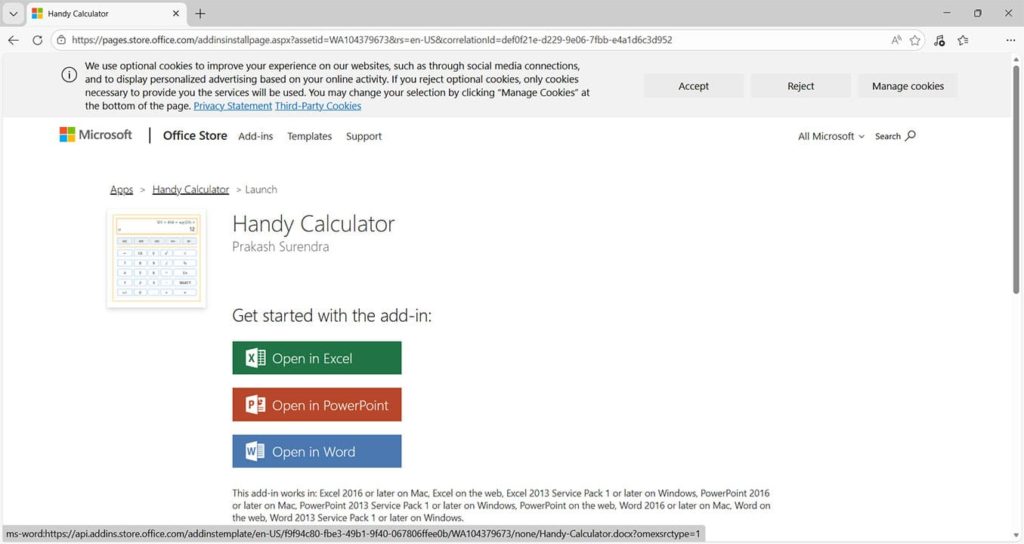
Step 1. Head to the Microsoft Marketplace at this link: https://marketplace.microsoft.com/en-us/marketplace/apps?src=office
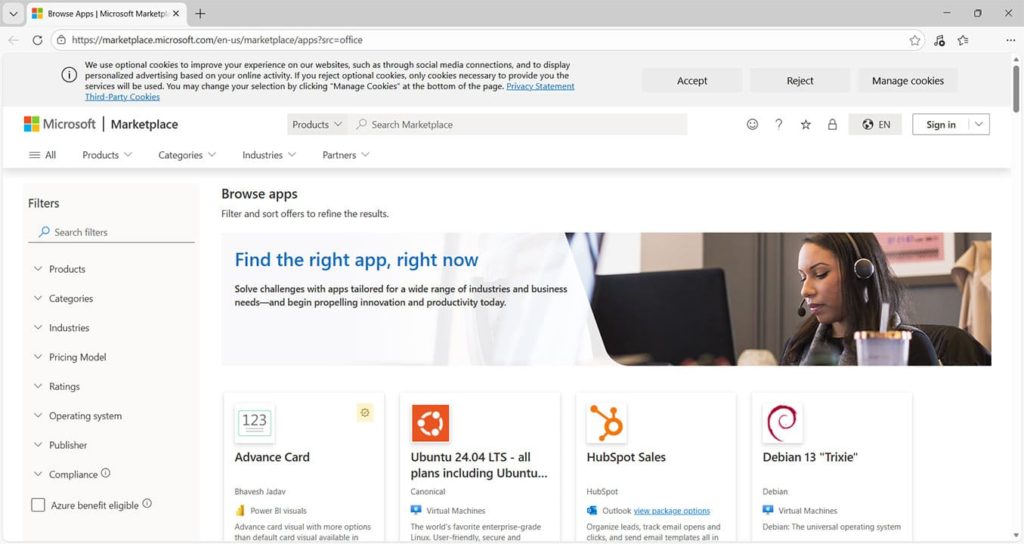
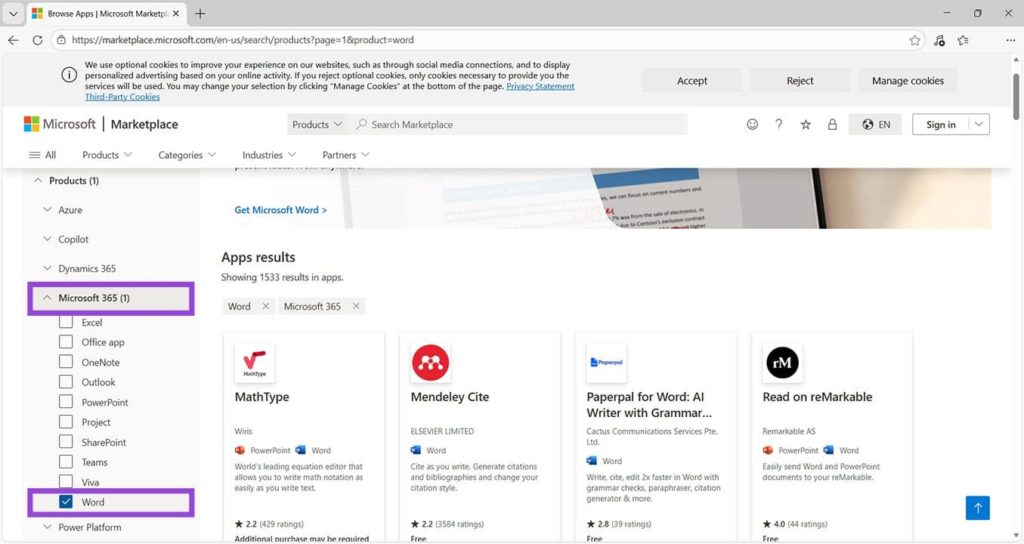
Step 2. Filter to Products > Microsoft 365 > Word.
Step 3. Choose the add-in you’re interested in, check the cost (all the add-ins in this article are free of charge or offer a free trial), and click Get it now.
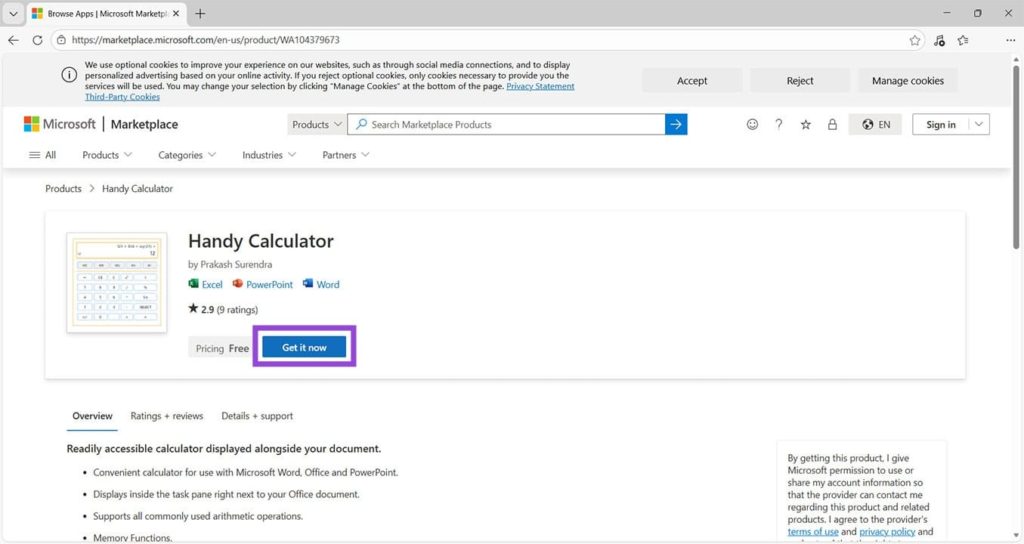
Step 4. Some add-ins will take you to a page where you can open the new tool directly in Word. If not, you can use the Add-ins button from the Home tab in any Word document.
Microsoft Word 2026 Add-Ins: draw.io Diagrams
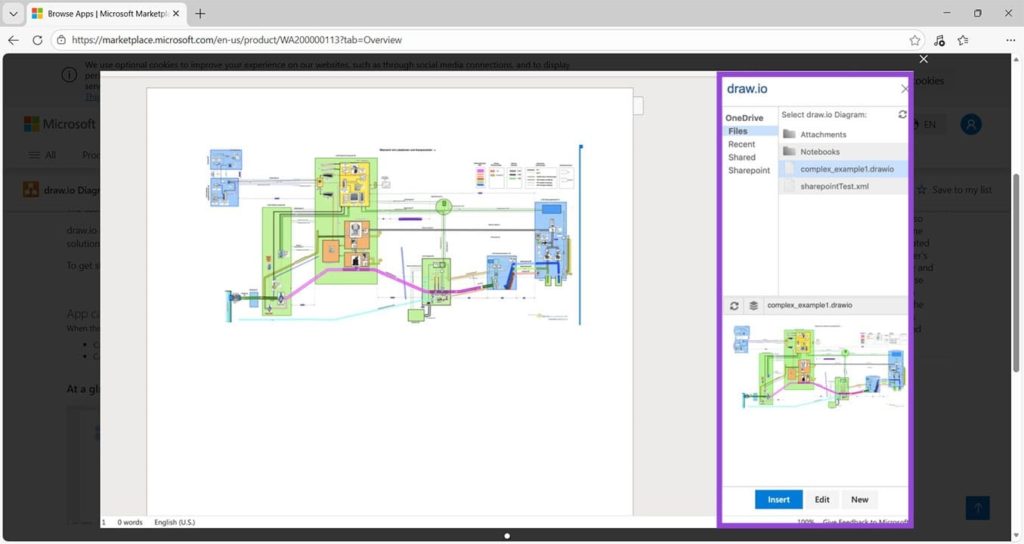
If diagrams and flowcharts are part of your daily work, this add-in is a must. The sidebar becomes a tool that allows you to quickly create and embed diagrams, which are then stored in your preferred online storage solution.
Grammarly
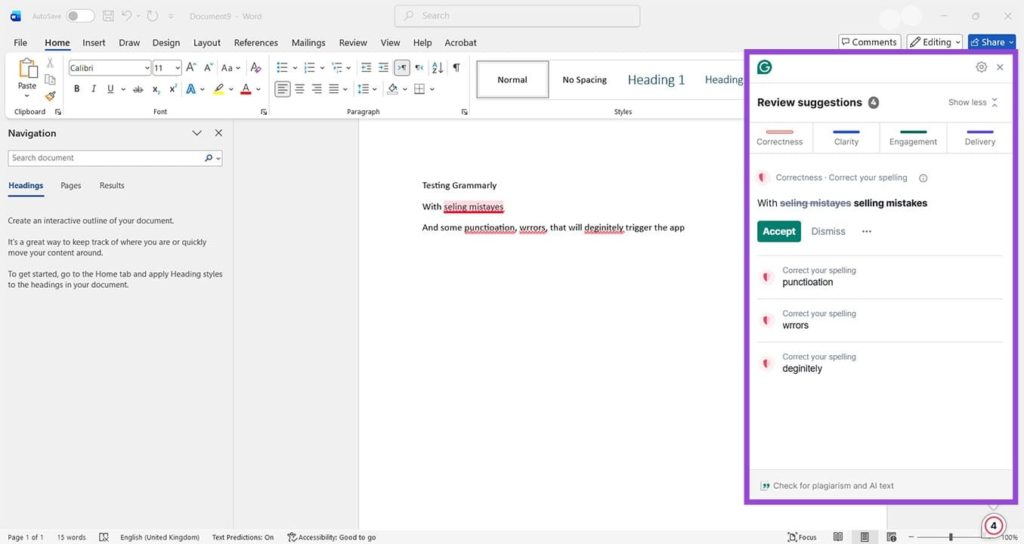
Grammarly is a very popular, highly-rated grammar, spelling, and tone-checking tool that works directly within your Word apps. It highlights errors in red and has an unobtrusive icon while you’re working. Click the icon to open up a window highlighting any errors. Just remember to check Grammarly’s suggestions. As seen in the example, some suggestions aren’t always correct. It’s unlikely you’re ever going to want to refer to typing errors as “selling mistakes.”
QR4Office
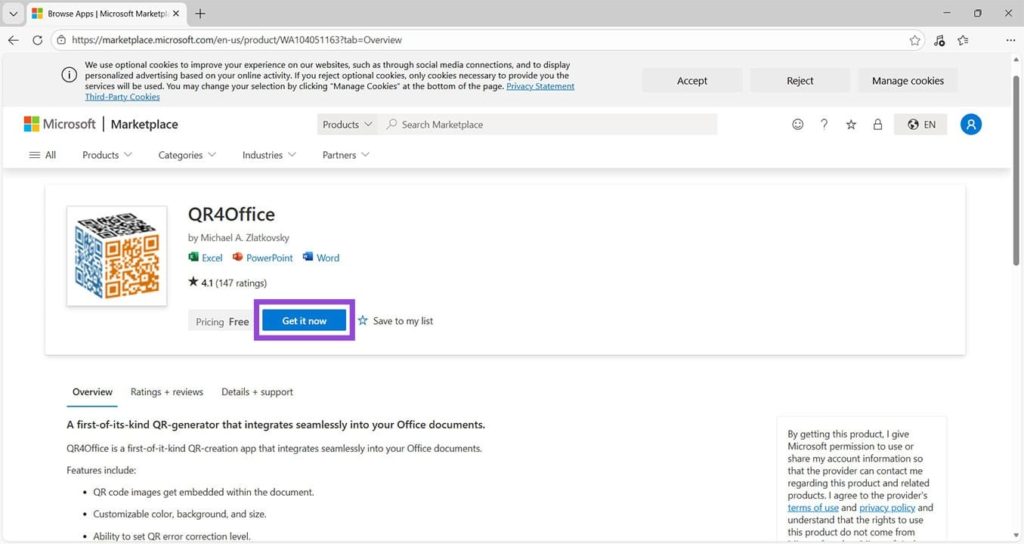
QR codes can be used to hold all sorts of information, from web links to direct payments on invoices. Quickly create and embed any type of QR code into your Word documents with this free add-in. Ideal if you’re creating invoices or want to include references to other documents or online sources.
GPTZero
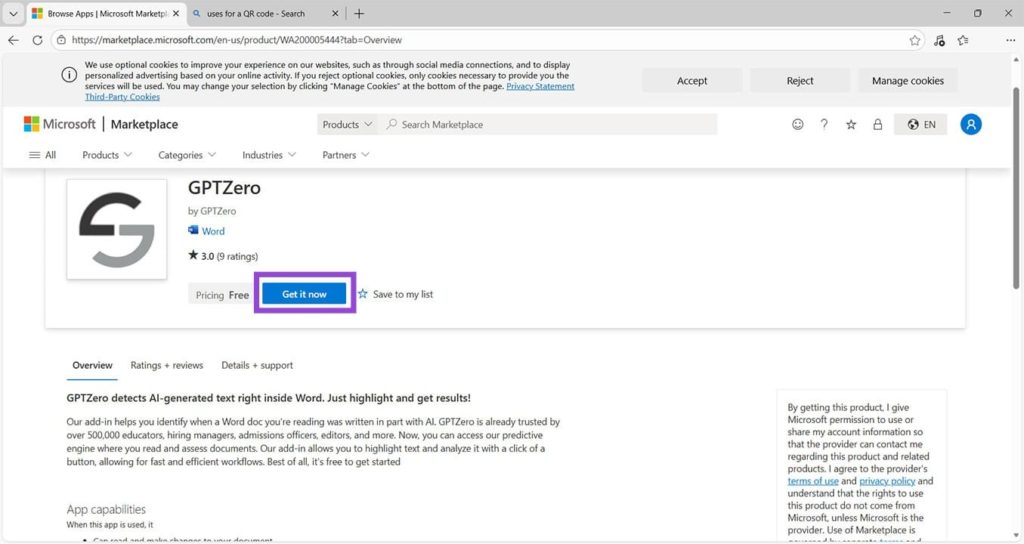
If avoiding AI-written text is essential, GPTZero is the add-in for you. Teachers and academics can use it to ensure homework or dissertations are 100% original. Editors can check for AI content prior to beginning their work and provide feedback accordingly. Forget loading up separate tabs for AI checkers and get it all done within your Word document.
Flow
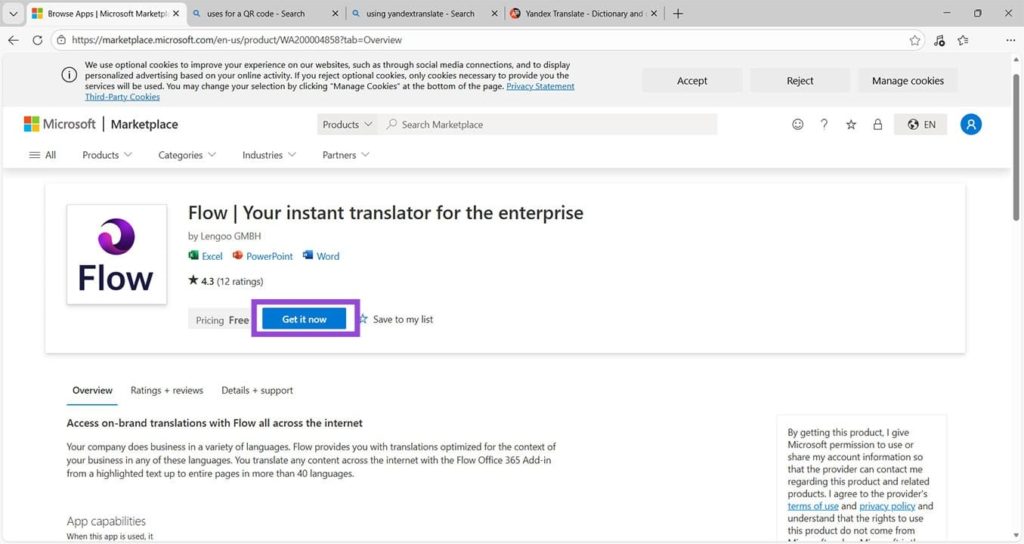
This add-in is perfect for anyone who works in multiple languages or is involved in translation. It can translate text in more than 40 languages via an intuitive interface. As well as translating in Word documents, it also works in Excel and PowerPoint.
MathType
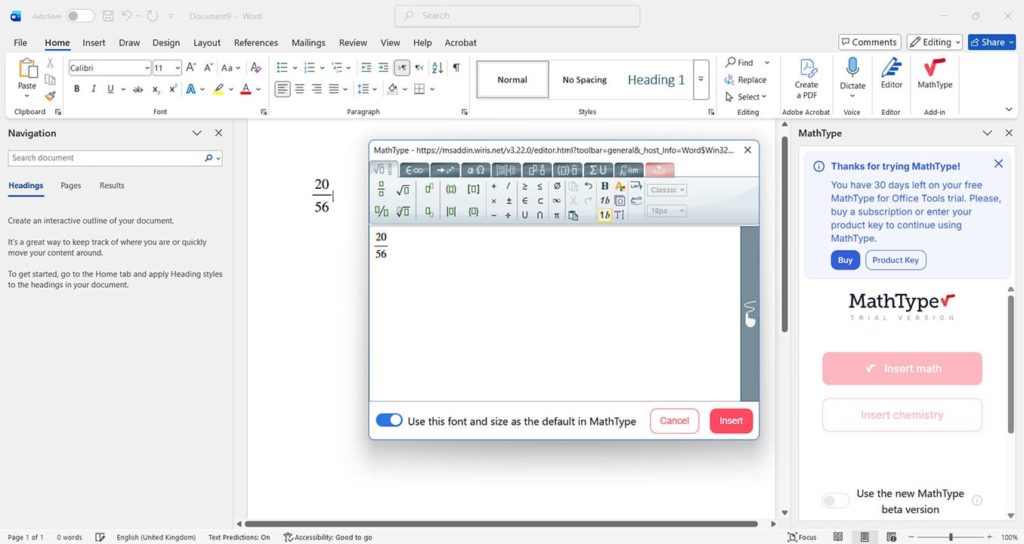
MathType is a tool for adding equations and sums to Word documents. It’s ideal for reports, academic pieces, or scientific work. You get 30 days free, then choose a payment plan that suits you if you like the add-in. The MathType tool appears in a window to the right of your Word document and can be used to add any type of equation to your docs. You can even add chemical formulae.
How to Remove AI Actions From File Explorer Menu in Windows 11
Read Next