How to Add External GPU Without Using a PCIe Slot
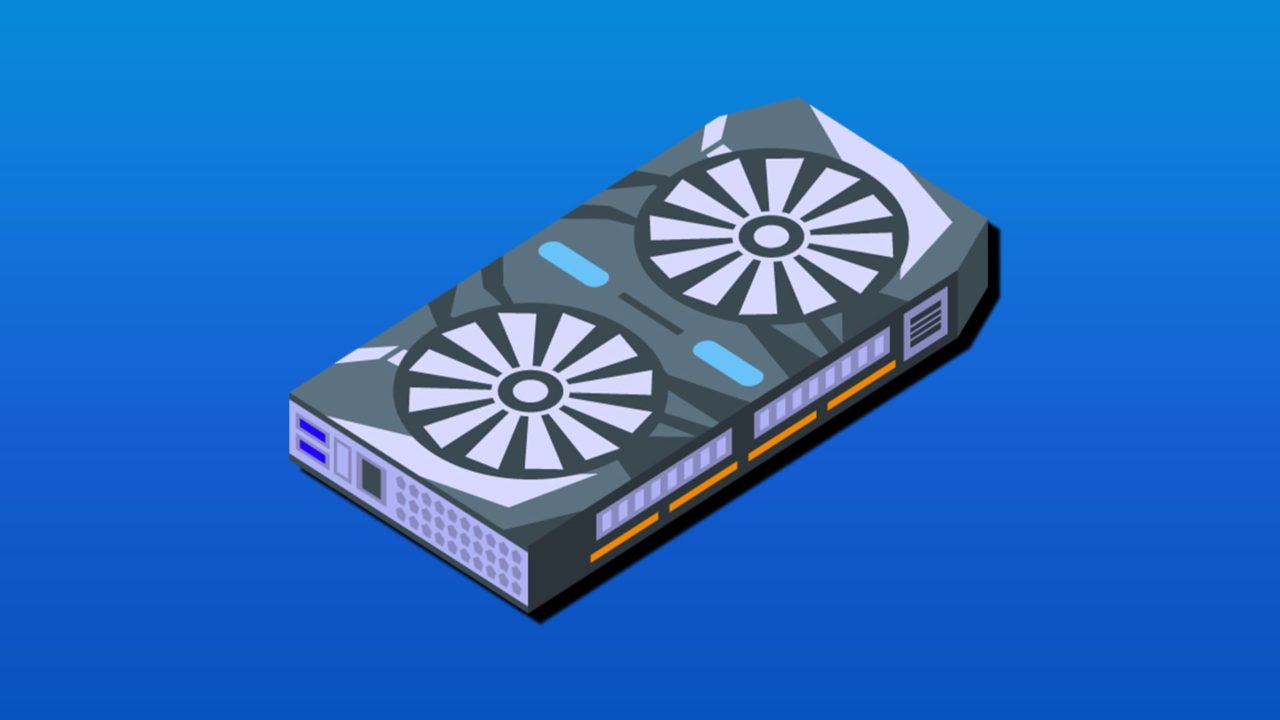
Sometimes you need some extra power for your games or graphically intense programs, but your motherboard (laptop or PC) doesn’t have an extra slot to spare. Not to worry. There are many ways that you can add an external GPU without having to rely on one. This article will look at how to add external GPU without using a PCIe slot.
Getting Creative
If you don’t have the space on your motherboard for another graphics card, or your setup won’t even allow you to replace it, there are still a few ways to add an external GPU. It won’t be as perfect as using a PCIe slot (graphics cards run off PCIE 5.0 in most cases, while alternatives offer PCIE 4.0); expect a loss of around 20% in power.
That said, if you don’t mind the trade-off, you can still get a decent amount of graphical processing power.
How to Add External GPU Without PCIe Slot
Adding an external GPU without using a PCIe slot can be done in a few different ways to cater to different setups and budgets. Let’s take a look:
Using a Thunderbolt Port
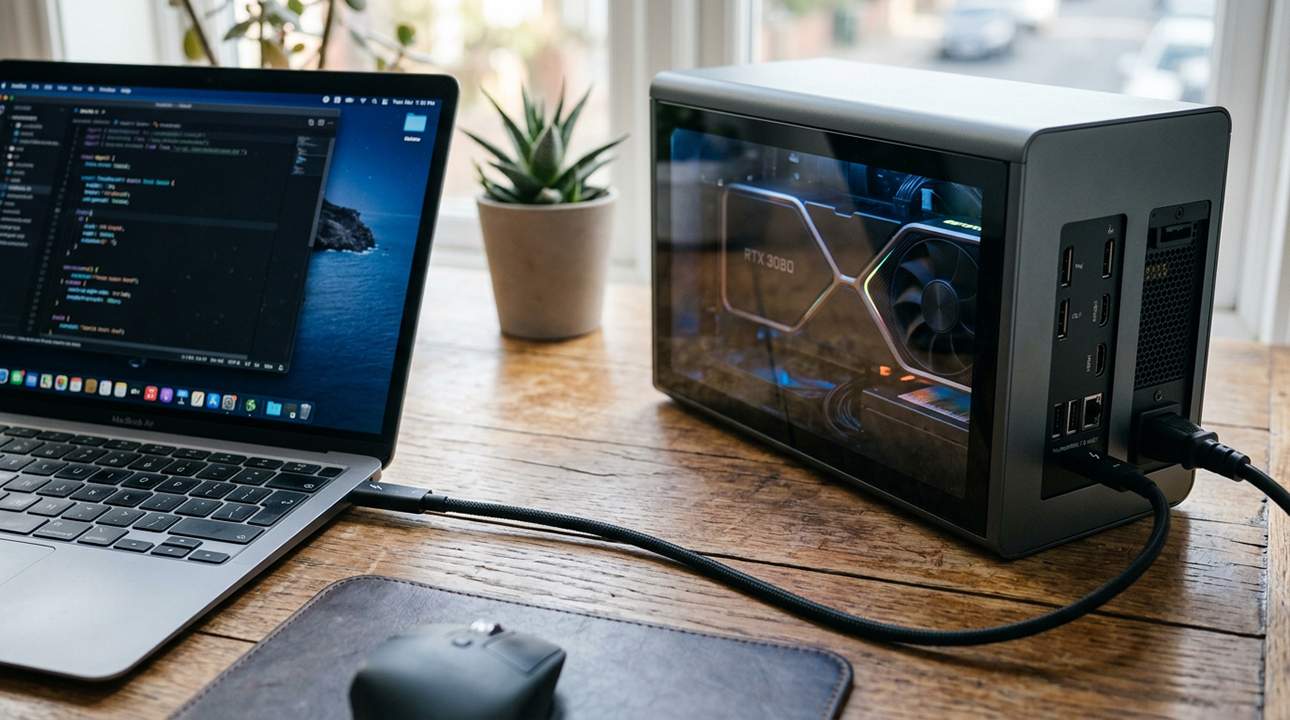
It’s the first solution that’s always mentioned, and for a very good reason. The Thunderbolt is a solid hardware interface that offers high speeds faster than any other external connection. A Thunderbolt port, or USB 4, is the fastest way an external GPU can run and is essential if you want to get the most out of its functionality.
Bandwidth is the limiting factor of this method (as it is with all external connections), so a high-powered GPU will only do so much when connected in this way. You don’t need to go too fancy.
When it comes to the card itself, you’re going to have to buy a dedicated enclosure (with a suitable power supply) to protect your GPU or invest in an eGPU, which in some cases can look like an external hard drive.
Use Another PC
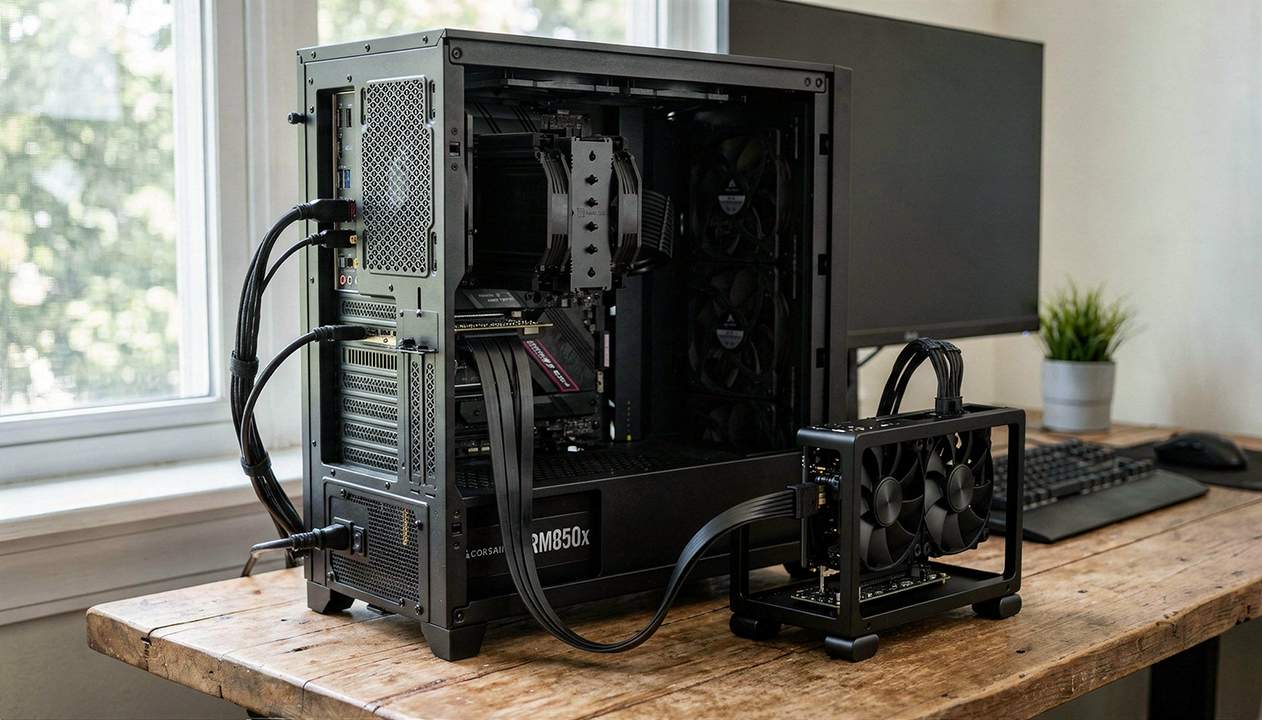
A complex solution is to turn another PC into a secondary GPU node. As for connection, you’ll need to be networked with the PC in question in order to offload tasks onto its GPU for processing. The problem with this method is its intricacy. You need to know what you’re doing, or someone else who does.
Use a Storage Slot
So, this method isn’t external, technically, but it doesn’t require the PCIe slot to work. In fact, an M.2 slot, usually reserved for SSD chips, can fill the role quite nicely. This method creates a direct, high-speed connection to the motherboard, often faster than USB-based methods.
Speaking of which, not every motherboard is capable of handling this unofficial way of adding a GPU, and some would even slow the speeds of the primary GPU to accommodate the extra. Check online or with a qualified technician before you commit.
Use the OCuLink
When we said the Thunderbolt connection was the best, we didn’t mention the real star, the OCuLink. This remains the fastest external connection for a GPU or eGPU. The only issue is that the slot doesn’t come with many PCs or laptops. In most cases, you’ll need to buy an OCuLink PCIe card to make this possible. It’s a technology to get excited about in the future, that’s for sure.
How to Fix Microsoft Office Error Code 4vt9f
Read Next