Dealing With Performance Issues on Your Xbox – 4 Solutions
Having the latest Xbox should, in theory, provide an excellent gaming experience given that it’s practically the only thing the console is designed for. But you might be experiencing various Xbox performance issues that ruin the fun, from stuttering to slow loading times to impossible-to-play framerates. What’s the deal? Well, you need to maintain your console, so we’re showing a few methods that should help get you the most juice out of your device.
How to Deal With Xbox Performance Issues by Changing Storage Settings

One of the biggest Xbox performance bottlenecks you might experience is games taking a long time to load. This is due to the console needing to fetch files from permanent memory and putting it into the working memory.
As such, the easiest way to get a noticeable boost loading a game is to put it into the console’s internal memory. That’s because Xbox X and Xbox S use SSDs for internal memory, which is typically much faster than external hard drives.
If you have a favorite game, keep it on the console’s physical storage. For titles you play occasionally, you can cycle them between the internal and external memory.
Whatever you do, avoid trying to download the game every time you want to play it. Unless you have an extremely fast internet connection, it will take longer to download than to copy the files from one hard drive to the other.
Improve Xbox Performance Online by Switching to a Wired Connection
Unlike PlayStation, Xbox still uses the Wi-Fi 5 standard, which limits the connection bandwidth available to it when using wireless internet. While a decent Wi-Fi connection shouldn’t impede gameplay for online games, it can result in sudden disconnections.
This problem can get worse if there’s a significant distance or a lot of obstacles (such as walls) between the console and the router. In some cases, you may experience rubberbanding or delayed inputs since the game doesn’t properly communicate your internal inputs with the servers.
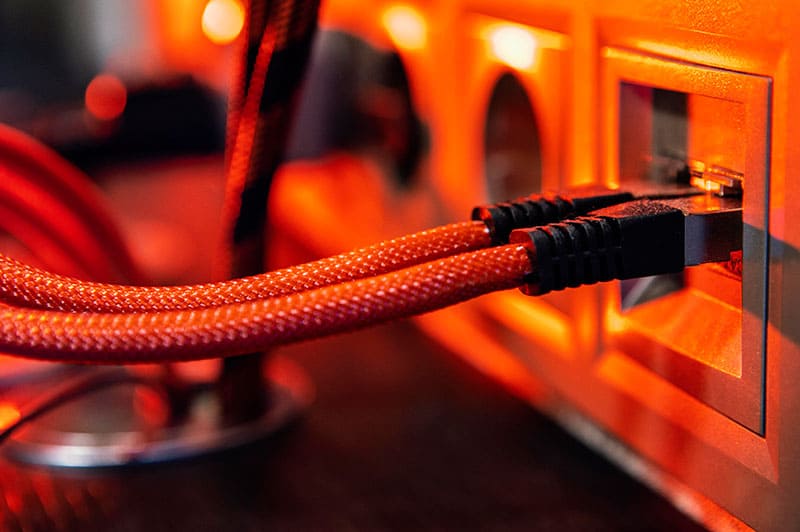
With that in mind, using an Ethernet connection should be the optimal choice. Since Ethernet speed and stability doesn’t degrade with distance, it solves most issues with internet connections.
Solve Xbox Performance Issues Due to Overheating
Due to a small form factor, consoles are not designed to be particularly impressive in terms of air flow in the casing. This problem gets worse and worse with time as more dust and grime accumulates around the vents.
As such, one of the key maintenance requirements of owning an Xbox is to ensure air can flow properly:
- Position the console so it’s not completely constrained from all sides. You need to leave a bit of space around the fans.
- Make sure that the vents aren’t covered.
- Every few months, use a can of compressed air or a compressor to blow dust out of the fans. Use a soft brush to dislodge larger pieces of dust. In rare cases, you may need to open the console to blow the accumulated dust out of it.
- If the console is in a TV stand, open it while gaming to let the room temperature air circle to it better.
Consult Game-Specific Guides or Support

If you’re having an issue with a specific game, you’re much better off contacting the official support service for any bug reports or troubleshooting steps. They will be able to help you narrow down the issue.
When reporting a bug, note any particular error codes that you see on the screen, as some forums might already have solutions for them.
What Is Error Code 0x80073712 on Windows 11 and How Do I Fix It?
Read Next