The Best Free Alternatives to OneNote
Microsoft OneNote is a great way to create and share notes across devices and between users. That said, not every user wants a Microsoft account; some want more AI integration, and others simply don’t want to be tied to this particular note-taking app. That’s why in this article, we’ll be looking at some reliable (and free) alternatives to Microsoft OneNote.
Free Alternatives to Microsoft OneNote
Let’s take a look (and in no particular order) at some of the best no-cost alternatives to OneNote and their unique features:
Zoho Notebook
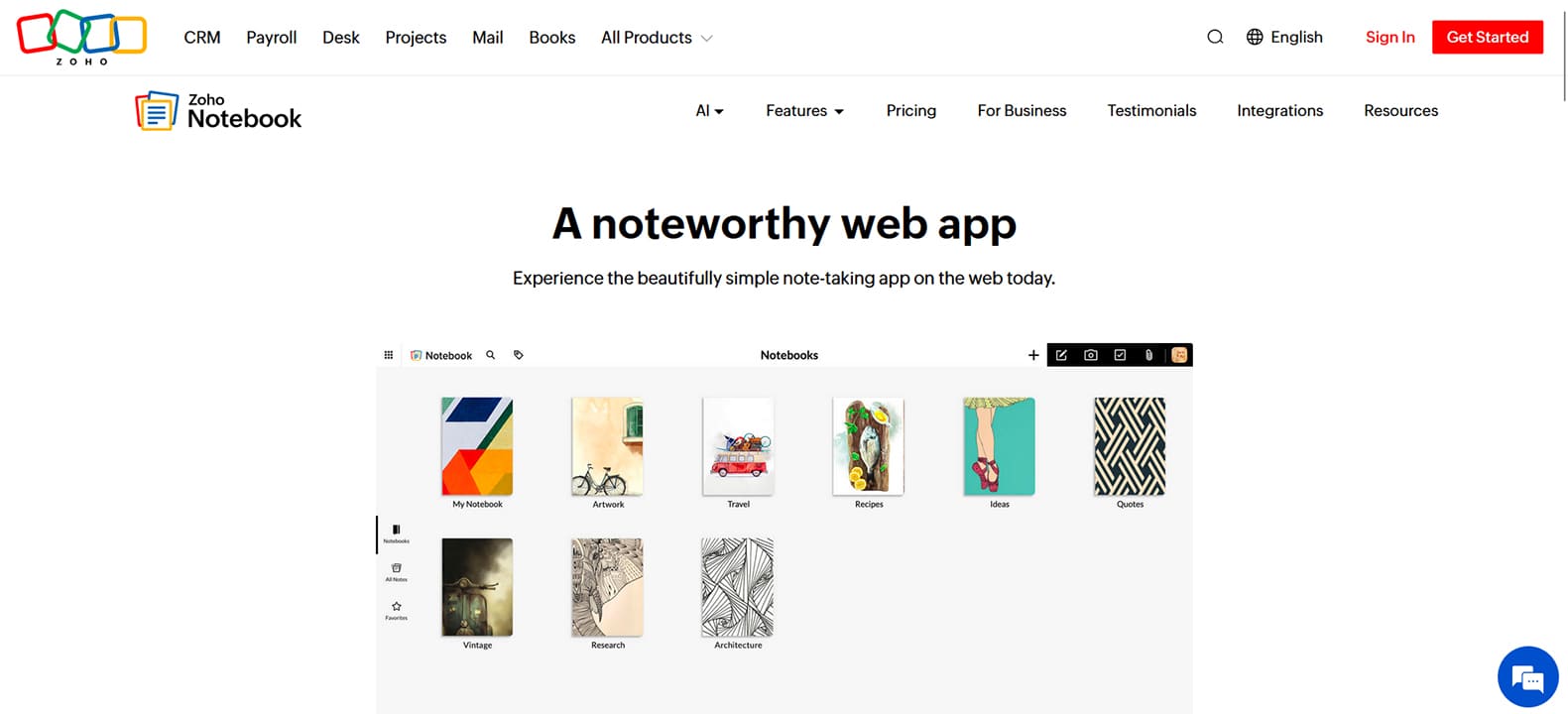
A big name in the note-taking world, Zoho’s reputation is well deserved. Zoho Notebook offers a free tier with a respectable range of features, and a paid Pro plan for those who need more, including document scanning and Face ID security. Zoho Notebook is very similar in design to OneNote, allowing syncing across various devices. What’s more, if you have a team using Zoho, they will be able to share, view, and collaborate on notes.
It might not be the most flexible app in terms of formatting and integrations, but it is reliable.
Obsidian
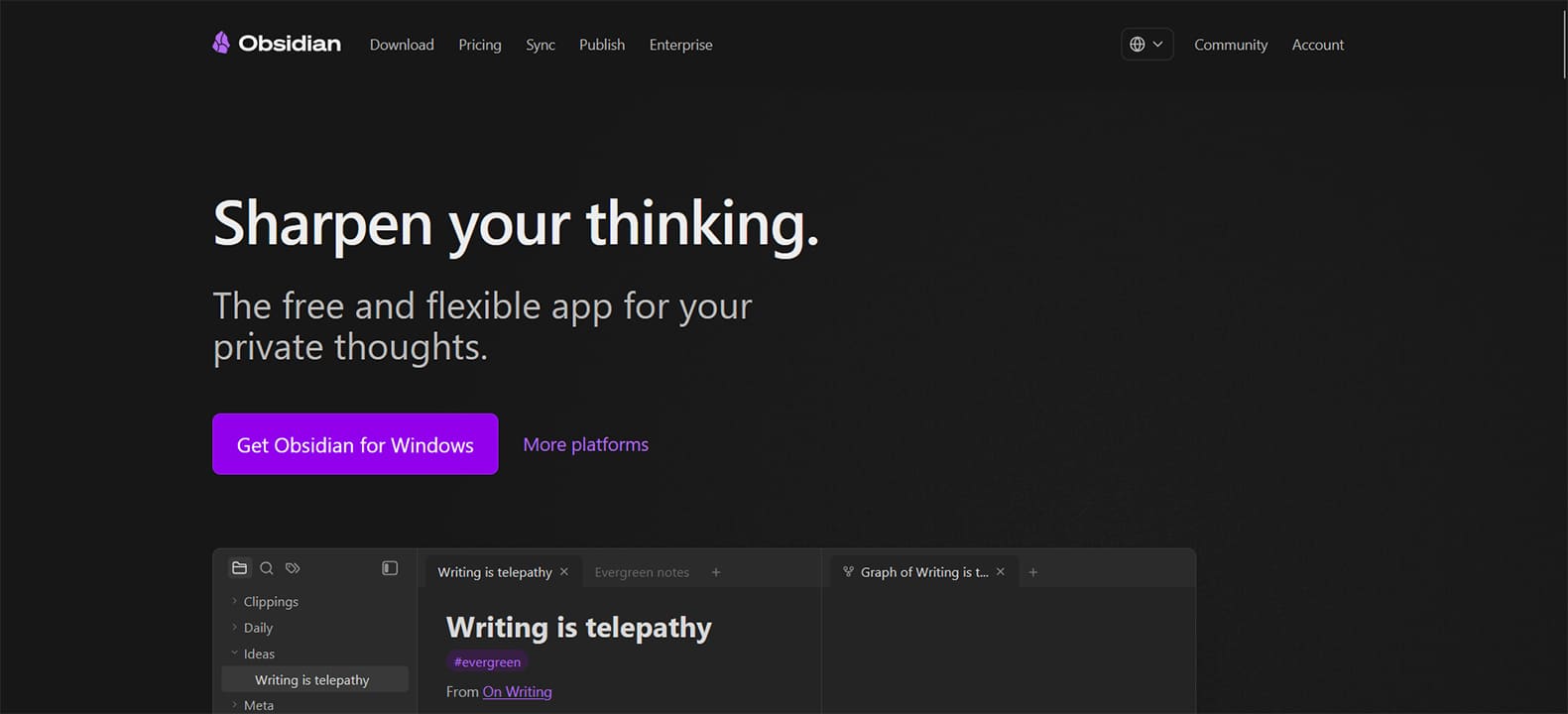
If you’re looking for a note-taking app that keeps things local first and foremost, Obsidian is an excellent choice. The app stores notes as plain Markdown files on your device, meaning you will always have your notes, even if the app were to shut down.
Obsidian also offers users hundreds of ways to customize their data, with a wide range of community plugins and templates to help you along. This can be overwhelming to beginners, but it’s also very flexible. A unique Graph view also shows how all ideas are interconnected through internal links.
Obsidian is free to use locally. You can sync notes across devices for free using third-party services like iCloud or Google Drive, or pay for Obsidian’s own sync service
Joplin
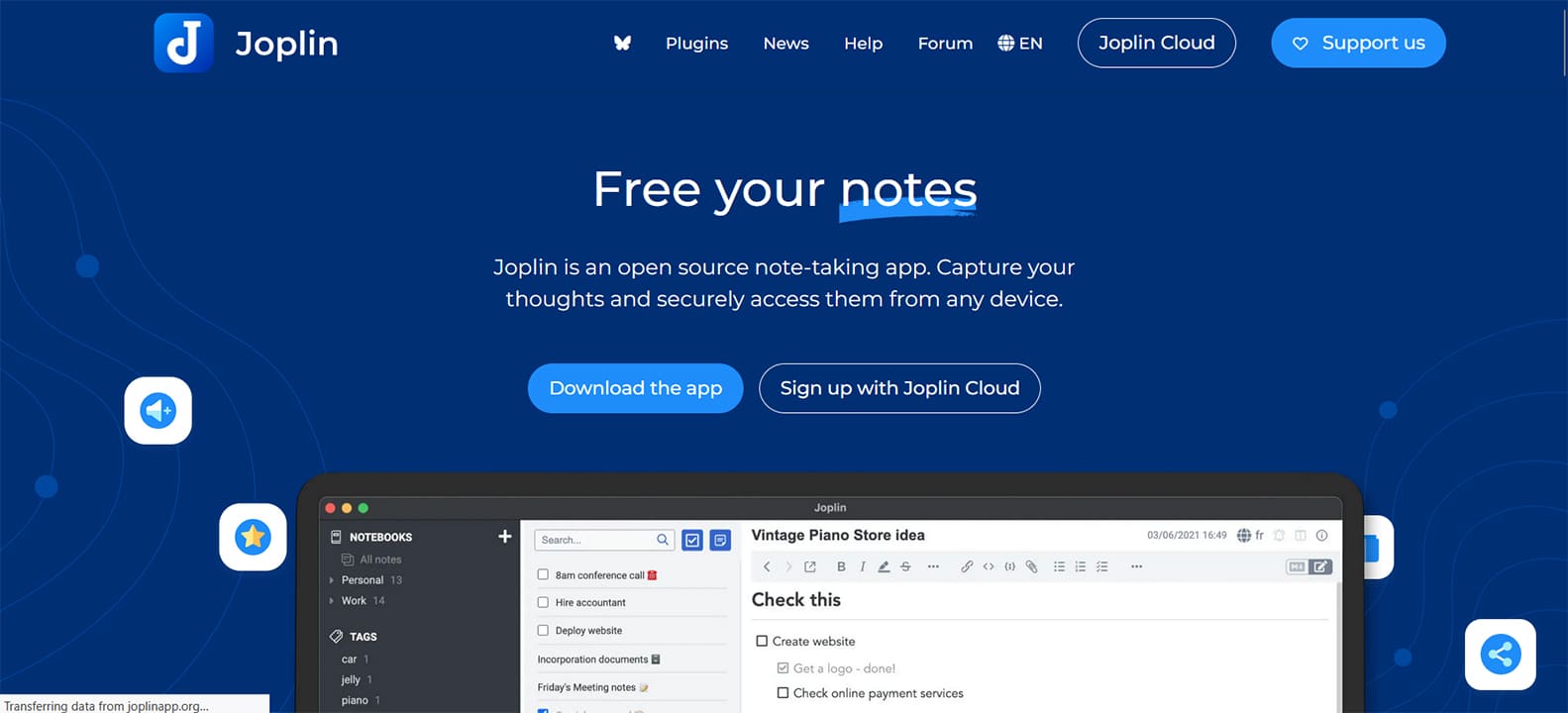
It doesn’t get freer than open source. Joplin, though, is much more than just a no-cost note-taker. The biggest feature of this tool is its focus on privacy. The notes are stored locally in an open format and kept safe by end-to-end encryption, meaning you stay in control of your data. What’s more, you can choose the apps you want to integrate with or the APIs you want to use for scripts and plugins.
It makes online note-taking easy by integrating with Firefox and Chrome’s web clipper tools. It’s also open to collaboration with other users.
Simplenote
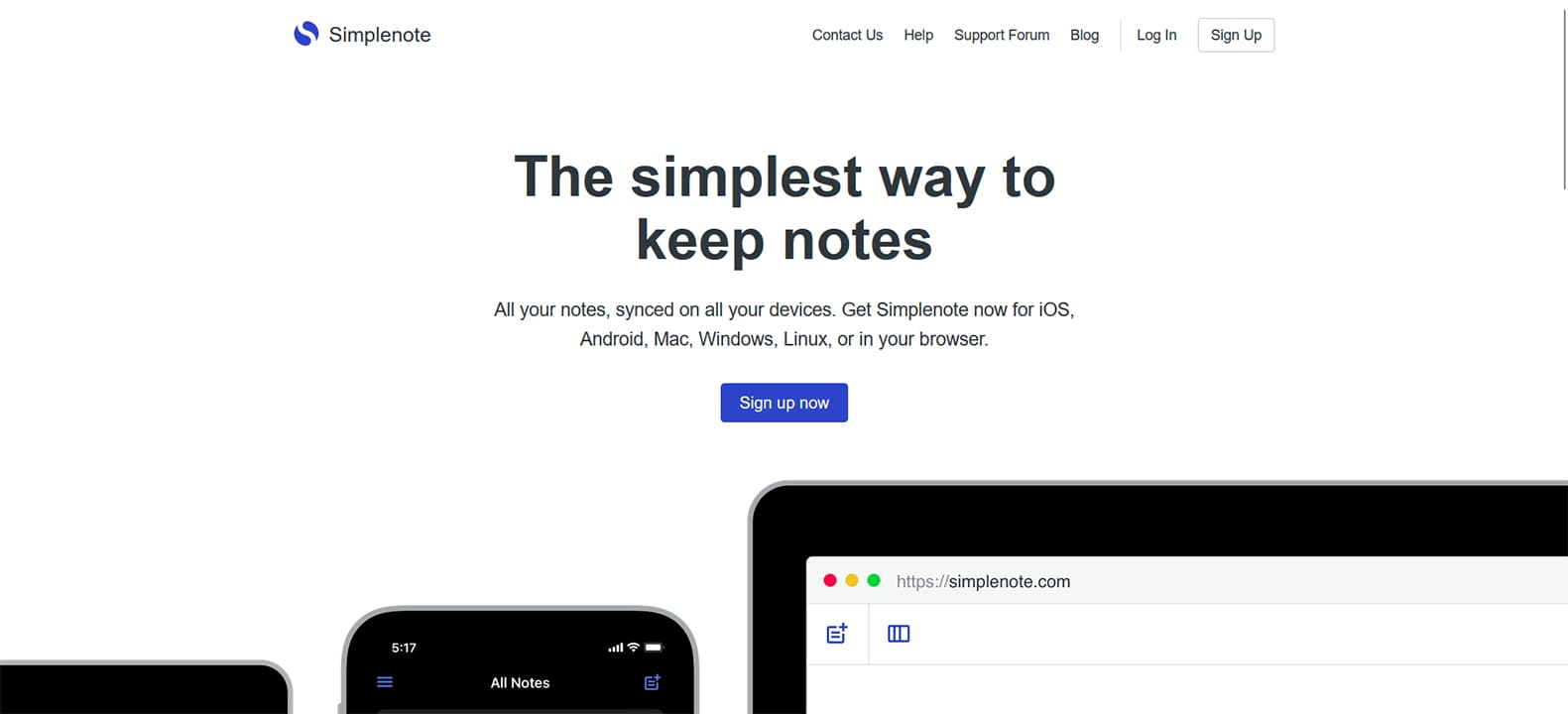
It’s in the name. You might be looking for a no-frills notetaker that keeps things minimalist and runs on any OS. Simplenote fulfills both these desires. The simple white layout lets you know that things won’t get fancy. Don’t worry, core features like tagging, sharing with friends, and searching all work wonderfully.
And another wonderful aspect of Simplenote is its lack of a freemium model. You get everything at no cost simply by creating an account. It’s a great way to keep things simple.
Google Keep
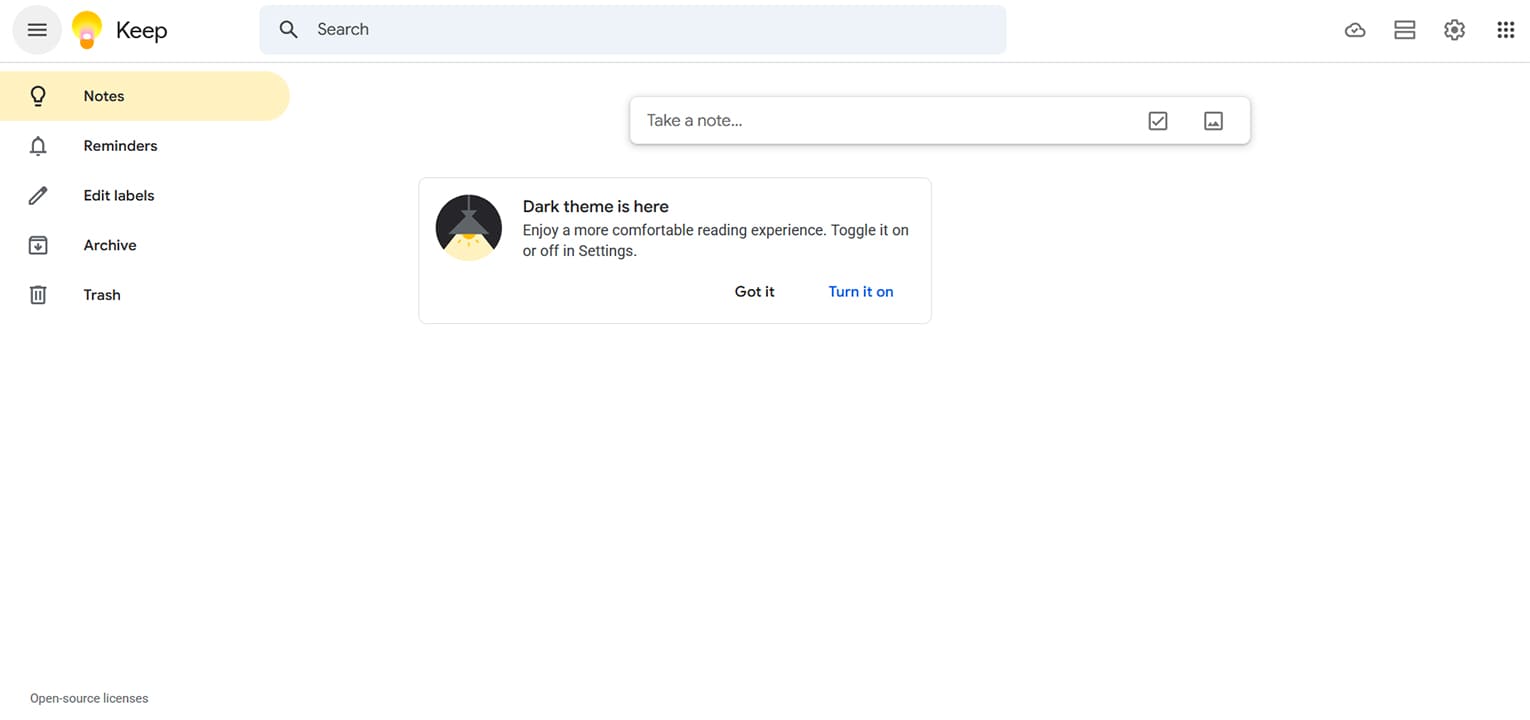
If you’re already into the Google ecosystem, Google Keep is a solid and simple alternative. We say simple because the tool doesn’t have many of the advanced features that OneNote does, but it is accessible from a browser or the app.
For quick notes, bulleted lists, reminders, and integration with the Google Workspace, though, the simple pared-down note-taker should be more than enough for your needs.
How to Make Small Photos Big Enough to Print (Without Losing Quality)
Read Next