


Free-to-Play Mobile Games Worth Spending On: A Beginner’s Guide for 2026
Downloading the game costs nothing. Whether the next month stays free is another matter. Most beginners meet their first offer on day one, right after the tutorial, when everything still feels exciting. Is that the moment to pay? Usually not. This guide walks through how the money works in these games, and how a beginner can pick a budget before the store picks one for them.
One Game, Three Billion Dollars
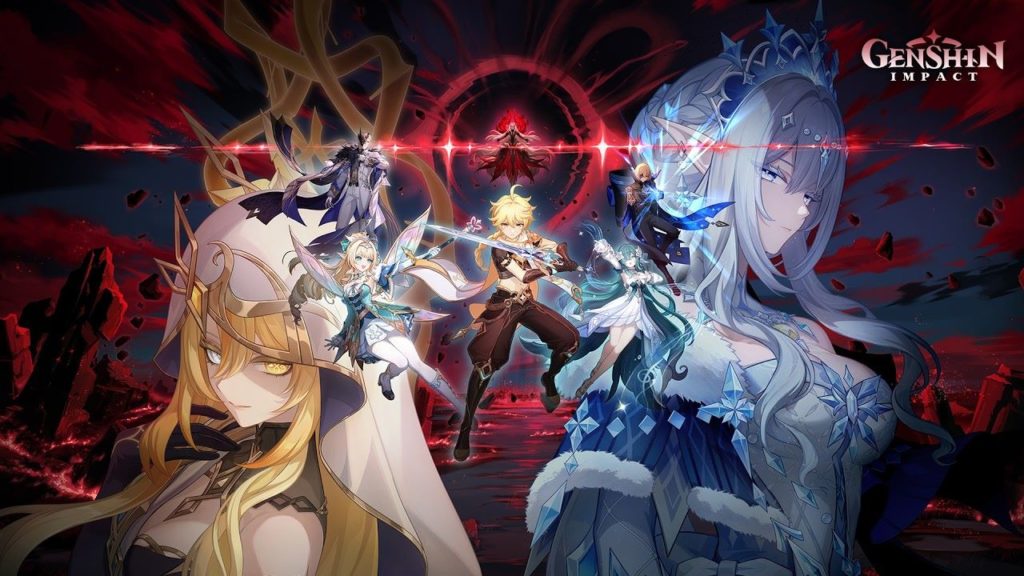
Genshin Impact surpassed $3 billion in lifetime mobile player spending in less than two years.
Genshin Impact makes the point better than any lecture. Sensor Tower’s May 2022 report put its lifetime player spending past $3 billion, App Store and Google Play combined. The game launched in September 2020. Not even two years earlier.
The first billion took just 171 days (third-party Android stores aren’t counted). Pocketgamer.biz put the game third on the all-time mobile revenue list, behind Honor of Kings and PUBG Mobile, and said nearly 70% of the spending came from Asia.
Those numbers are old, and they describe millions of players at once. A single player’s wallet looks nothing like the average. Many spend zero.
How These Games Earn
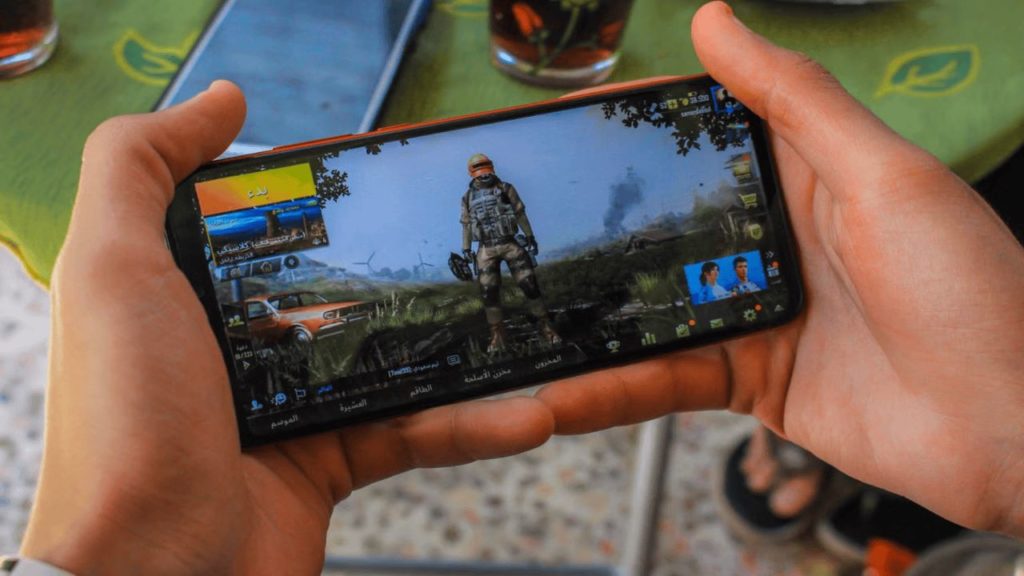
Mobile game stores offer currency, cosmetics, passes, and randomized rewards designed to encourage spending.
The store sells a short menu. Currency, cosmetics, passes, extra characters or gear. Then there’s the randomized stuff: spend currency, get a chance at something rare.
Notice the order of events. Hours of play come first, payment second. By the time the offer appears, the player already cares. That’s by design, and a beginner can plan around it. Decide the limit while calm, not while a countdown timer ticks.
But knowing the store exists is only half the picture. The other half is knowing what the odds actually are.
Apple has a rule for this. Its App Store Review Guidelines say any app selling loot boxes, or other randomized virtual items, must show the odds of each item type before the purchase happens. So the numbers exist somewhere. Find them. Say the item a player wants drops at a tiny rate. A few pulls probably won’t land it, and the budget should account for that.
Three Camps
Newcomers drift toward one of three habits. The first group never pays, and that’s a perfectly fine way to play. The second waits a few weeks to see how generous the game is with free rewards, then buys once if it still feels worth it. The third writes a monthly number down and stops when it’s gone.
Camps two and three suit beginners, since they swap a gut reaction for information. One handy yardstick: compare the game to a streaming subscription. If a month of play gives about that much enjoyment, that’s the ceiling.
But some games push harder than others. Here are signs to look for.
- The tutorial pushes a purchase before the mechanics make sense.
- Rewards vanish within hours.
- Progress hits a wall that only money removes.
- The game asks for a payment method before saying what it unlocks.
One of these alone isn’t damning. Two or three together? Slow down.
The First Month
Enable purchase verification to control spending.
Spend the first two weeks at zero. Watch whether progress stays fun or turns into a grind. After that, pick a monthly limit the player could lose without regret. If the game still holds attention, buy one thing at a time inside that limit.
A number on paper is easy to ignore, so back it with a setting. Google Play lets account holders decide how often a purchase needs verification. Options are always (the default), every 30 minutes, or never.
Verification can use the Google Account password, biometrics, or the screen lock. On a shared phone or a kid’s device, it always makes the most sense. For apps and games designed for ages 12 and under, Google requires verification regardless.
When the Store Isn’t the App
Currency doesn’t only come from inside the game. Third-party marketplaces sell it too, and many players like the extra choice. LootBar is one of them, a global store with top-ups, gift cards, and game keys for more than 200 games. Its listings include a Genshin top-up alongside other popular titles.
A few habits make any marketplace purchase smoother. The publisher’s terms still govern the game account, so a quick read of those comes first. On a LootBar game top-up page, the buyer can then check the server or region, the delivery details, and the refund policy before paying.
Matching the product to the right server is the step that saves the most trouble. And passwords stay private, always.