


From Voice Note to MP3: A Practical Guide to Making OPUS Audio Easier to Use
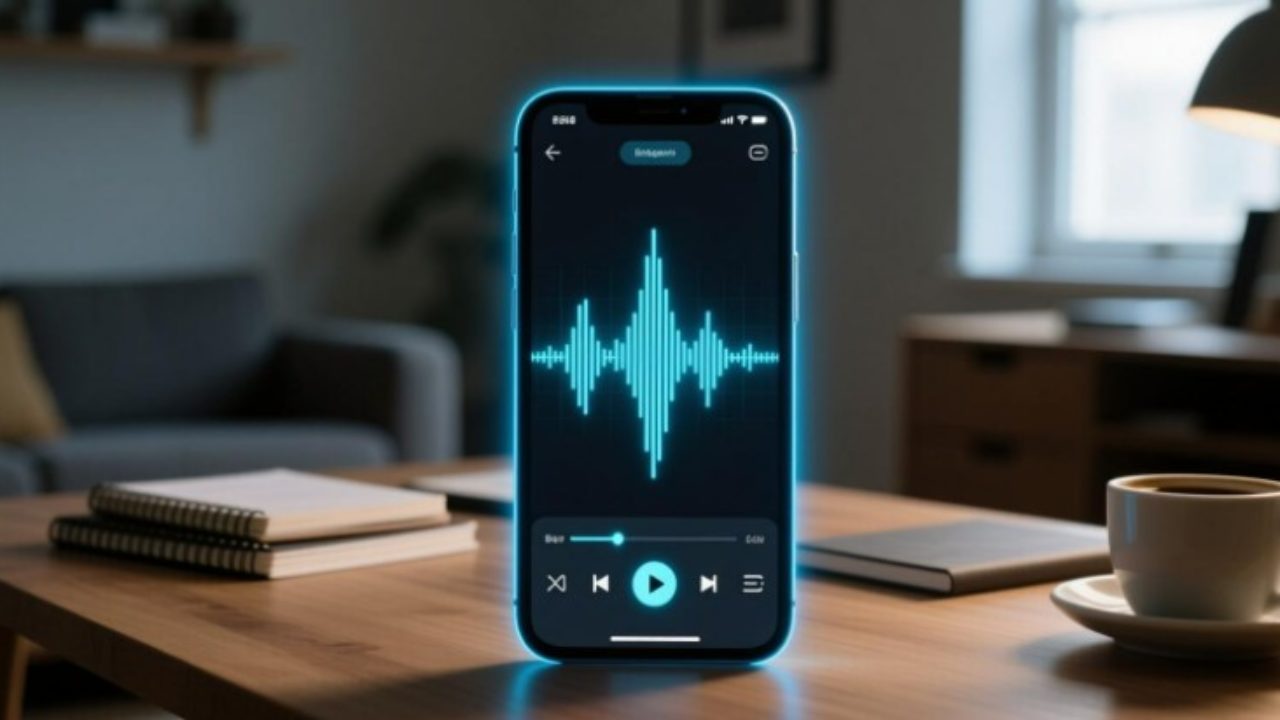
On one device, an audio file might sound great, but on another, it might not open. OPUS recordings, including voice messages stored via messaging apps, frequently experience this. Installing a different media player is not always the answer. Sometimes all you need to do is convert the recording to a format that is more commonly supported.
You can use Convertio straight in your browser to convert OPUS to MP3 if you want to make a recording easier to share, edit, or play on older devices. Without installing a separate desktop converter, the service allows you to submit an OPUS file, modify the audio settings, and receive the converted MP3 file.
Why OPUS Files Can Be Inconvenient
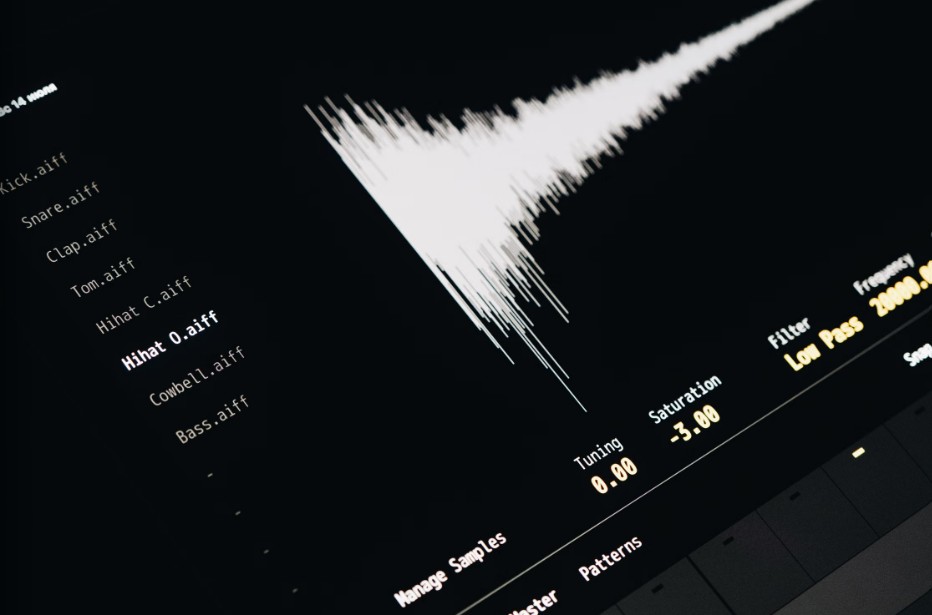
OPUS is a contemporary audio codec that can effectively handle both music and voice. It is especially helpful for voice calls, internet calls, and other applications where low data usage and high sound quality are important. IETF RFC 6716 is the standard for the codec.
When a recording needs to be moved outside of its initial setting, it becomes challenging. OPUS in the specific container used by a recording might not be supported by a desktop editing program, an outdated car stereo, or a simple audio player. Occasionally, trying to troubleshoot stubborn system sound issues or background interruptions can complicate media playback, making solutions like knowing how to fix Windows audio service that won’t stop quite useful for keeping your workstation media running smoothly.
Because MP3 is compatible with a wide variety of media players and devices, it provides a useful substitute. Converting an OPUS file can be useful in the following scenarios:
- Voice messages can be shared by sending recordings to a person whose preferred audio player does not support OPUS. For instance, if you are archiving multimedia communications, learning how to save WhatsApp video notes or video messages helps ensure you preserve all your incoming media before any conversion steps.
- Audio editing: Get a recording ready for an editing program that supports MP3 files more easily than OPUS.
- Arranging recordings: Store audio recordings, including voice notes, in a format that your current music library can handle.
- Playing music on outdated devices: Increase the accessibility of recordings on car stereos and legacy players.
Compatibility is the aim, not necessarily improved sound. Maintaining the original file is a wise precaution because converting between lossy formats can lower audio quality.
OPUS vs. MP3: What Is the Difference?
The two formats serve overlapping purposes, but they have different strengths.
| Feature | OPUS | MP3 |
|---|---|---|
| Main advantage | Efficient audio compression | Broad playback compatibility |
| Common applications | Voice communication, streaming, recordings | Music libraries, portable players, general audio sharing |
| Compression | Lossy | Lossy |
| Device support | Depends on the player and container | Very widely supported |
| Best reason to choose it | Efficient delivery at lower bitrates | Easy playback across different devices |
For speech and real-time communication in particular, OPUS can provide high-quality sound at comparatively low bitrates. When the application or receiving device has limited codec support, MP3 is still helpful. Sometimes, speech-based tools encounter performance hiccups, and knowing what to do when voice isolation won’t work in voice access can assist in troubleshooting audio capture issues cleanly.
When OPUS is already functioning well in your configuration, keep it. When compatibility, sharing, or access via outdated software are important considerations, go with MP3. Audio information lost at a previous lossy encoding stage cannot be recovered by converting a file.
Selecting Appropriate Audio Settings
The audio must be encoded in the desired format; simply changing the file extension is insufficient. The outcome is influenced by bitrate, channel setup, and the original recording’s quality.
Convertio provides controls for audio channels in addition to variable bitrate (VBR) and constant bitrate (CBR) choices.
Which Bitrate Ought to Be Used?
Higher MP3 bitrates typically result in larger files and can assist retain more of the source’s auditory detail. Nevertheless, raising the MP3 bitrate won’t be able to recover elements that the original encoding lost because OPUS is already lossy.
Start with a moderate setting for speech and listen for clarity. For music, don’t assume that the highest output is always required; instead, compare a better setting to the original. If your network connection drops mid-upload while transferring large audio batches to web converters, checking guides on how to fix Wi-Fi disconnecting when the PC is locked can prevent frustrating transfer interruptions.
A Practical Guideline
When OPUS is already functioning well in your configuration, keep it. When compatibility, sharing, or access via outdated software are important considerations, go with MP3. Audio information lost at a previous lossy encoding stage cannot be recovered by converting a file.
Frequently Asked Questions
- Does sound quality improve when OPUS is converted to MP3?
Not always. Lossy compression is used in both formats. Compatibility is the main benefit of conversion, and additional quality loss could result from an additional encoding stage. - Is it possible to convert an OPUS voice message without the need to install software?
Yes, you can upload an OPUS file, convert it to MP3, and then use your browser to download the output using Convertio’s web-based converter. - Will all devices be able to use the converted file?
Although MP3 offers a wide range of software and device compatibility, no format can be certain to function on every device in every situation. The encoding and playback requirements of the file must be supported by the player. - Is it possible to convert several OPUS recordings?
Multiple file uploads are supported by Convertio’s conversion workflow, subject to account restrictions and the service’s current limits. If you are working with a huge collection, make sure to check the upload requirements of the service. - Is uploading private voicemails safe?
Examine the service’s current file-retention conditions and privacy policy before uploading any sensitive recordings. If you’re not sure how the provider will handle the data, don’t upload private discussions.
Final Thoughts
Although OPUS is a useful format for contemporary audio communication, compatibility issues may arise when recordings need to be shared, altered, or played on other devices. For certain circumstances, MP3 remains a practical substitute to ensure seamless playback across legacy hardware and diverse operating systems.
An easy option to adjust without installing any software is to use a browser-based converter. When quality is important, maintain the original recording, choose the appropriate output parameters, and verify the converted file before using it to ensure your audio workflow stays reliable from start to finish.
How to Clean Up, Restore, and Repurpose Old Screen Recordings and Video Clips Without Losing Quality
Read Next