5 Best Alternatives to Google Workspace
Google Workspace is a versatile and incredibly useful workplace suite, but it might not always be perfect for you or your team. It might be the price, the limitations of its apps for your purposes, or the lack of better support, but you need something else. In this article, we’ll be looking at 5 best alternatives to Google Workspace and where they shine.
Great Alternatives to Google Workspace
Ultimately, the best alternative to Google Workspace is the one that works for your particular setup, needs, and price range. That said, the examples we’ve picked should provide a good starting point in your search:
1. Microsoft 365
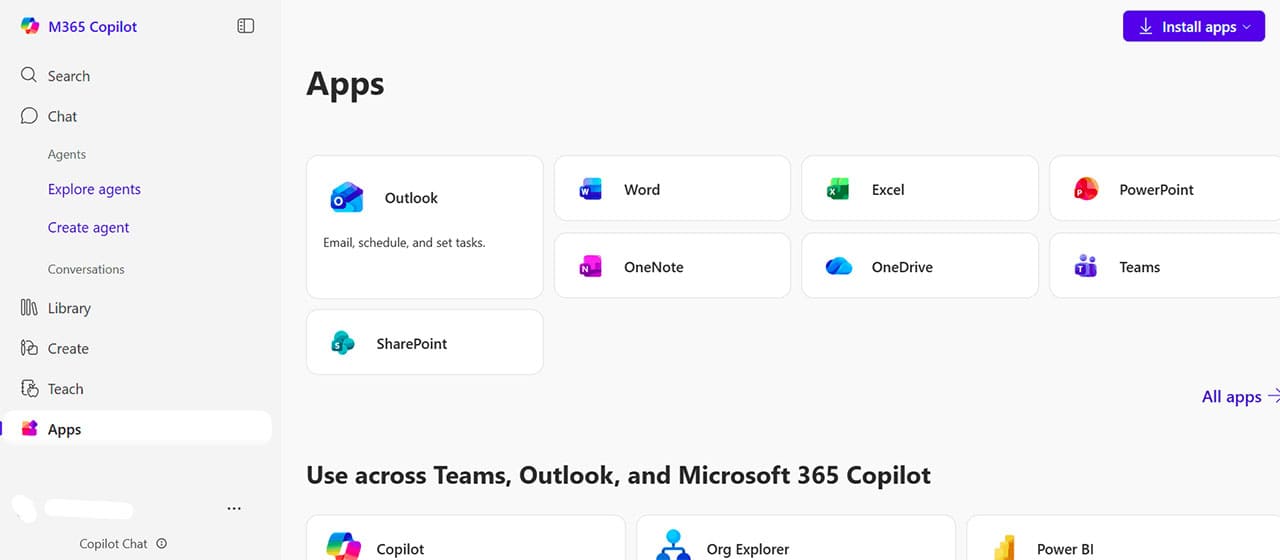
It’s no surprise that if you’re in the market for an office suite, we’d suggest the most widely used of all. Microsoft 365 brings the same online connectivity and cloud storage, and AI capabilities you’d expect from Workspace, and can also work straight from the Desktop. It’s a solid, reliable choice.
It might be more expensive than other options, but the advantage comes from the fact that it and its file formats are the most widely used in the world. You can easily give the trial version a go before committing.
2. Libre Office
For the document and file side of things, LibreOffice has made a name for itself by providing a really good product for absolutely no price. It may not be the fanciest suite out there, but the open source Libre provides no shortage of value.
The Document Foundation’s software works on all major operating systems and Android, and frequently implements suggestions for improvement. Unfortunately, there’s no cloud storage or capabilities.
3. Proton
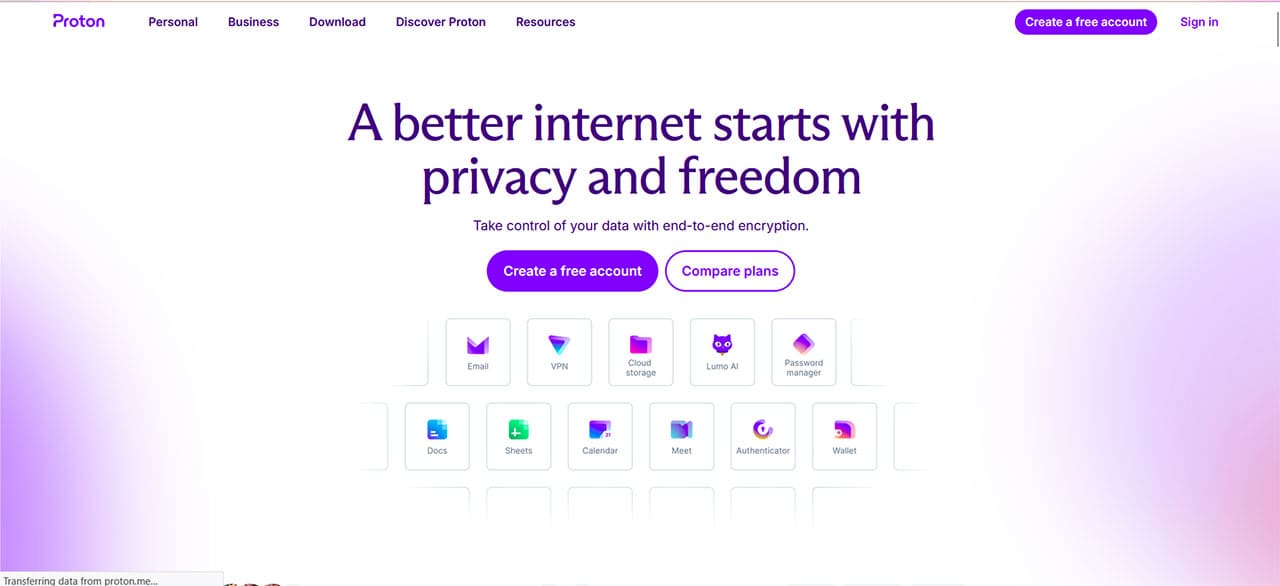
Proton is a suite that prioritizes privacy. It’s backed up by Swiss privacy law and ensures end-to-end encryption (zero-access encryption, they call it) and your peace of mind. Proton includes many of the core tools businesses need, including email, cloud storage, calendars, documents, and password management, and throws in a VPN for good measure. This, combined with the encryption, is a good justification for a price tag higher than its competitor.
If the security of your team and its data are important, then it doesn’t get much safer than Proton.
4. Dropbox Business
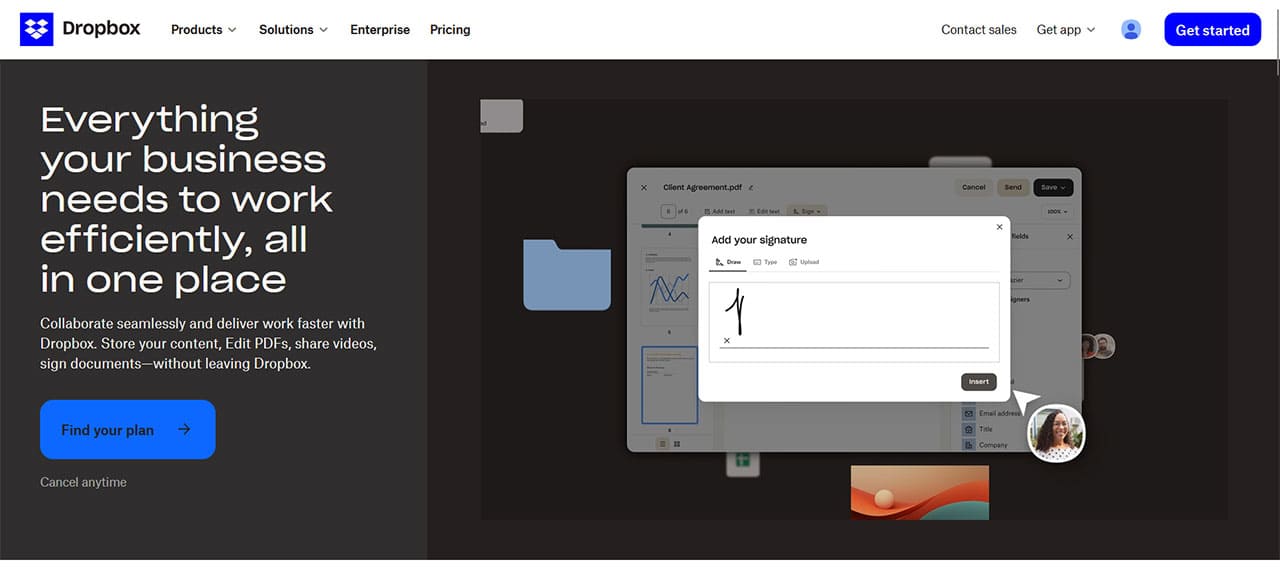
While Dropbox may have started life as a simple file sharing and storage site, that doesn’t mean it’s still there. Indeed, Dropbox Business is more than able to provide a reliable and versatile alternative to Google Workspace, and makes seamless file sharing and sync the cornerstone of its suite.
Important to note is that Dropbox Business doesn’t provide office apps, but does make up for it with excellent cloud storage. Block-level syncing updates only what’s been changed, allowing for faster speeds when uploading and downloading. Large file transfer sizes are also ideal for teams that have more to share.
Dropbox works on a subscription basis and charges per user.
5. Slack
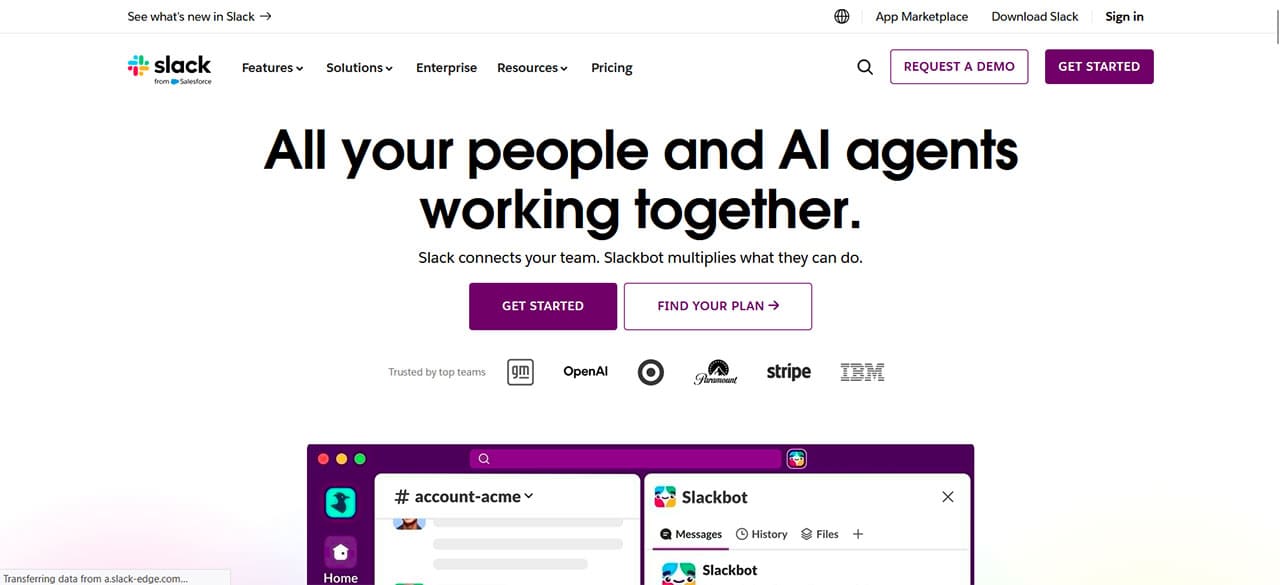
Google Chat does a respectable job of keeping team members in the loop, but Slack makes this messaging integration shine. It goes beyond sharing documents and messages, but allows teams to create their own custom workflows. It integrates with a ton of APIs and apps, and allows for some excellent customizability. There is a free tier, but if you find you’re getting serious about using it, you’ll have to move to a paid subscription.
Cannot Insert a Picture in Microsoft Office – 8 Solutions
Read Next