



Cloud Storage Comparison: What You Actually Get for Free vs. Paid

Which cloud storage service should I choose? An innocent-sounding question, which turns out not to be so straightforward when comparing how each provider functions. Nearly all the prominent cloud providers offer a free tier, but space isn’t everything. File restrictions, syncing security, device compatibility, and what happens when you fill up your space all add up.
Before you decide on a provider, it also pays to look beyond the headline GB count. An additional few GBs count very little if the service hampers file sync, impairs useful features, or puts important files behind an upgrade wall.
What Else Should You Put in There Besides Storage?
Storage space is the most obvious consideration; however, there are a few other factors that can affect the usefulness of a particular account.
Limits on file size: Make sure to check how the service handles individual files. This is especially useful if you often use a lot of space for putting big videos, software installers, RAW images, or archived system backups. If you are preparing your system for a major overhaul or archiving critical machine data, guides like how to export and backup Windows drivers before reinstalling Windows can help ensure your crucial setup files are safely preserved before moving them into your cloud storage.
Cross-device syncing: A decent cloud service should allow your files to be used equally on your computer, mobile and tablet, without duplication or confusion. Desktop syncing applications on the computer can be more practical than repeatedly uploading individual files individually through a web browser.
Security/privacy: Look into encryption, two-factor authentication, account recovery, and the provider’s stance on your information. The U.S. Federal Trade Commission suggests that you find out what level of privacy and security cloud storage providers offer and that you look for features such as multi-factor authentication.
Exit strategy: a surprisingly important thing that is often ignored. Perhaps using your allowance will limit the amount you can upload or synchronize, or some services might ask you to upgrade to regain full functionality.
Google Drive: Plenty of Space, But It Is Shared
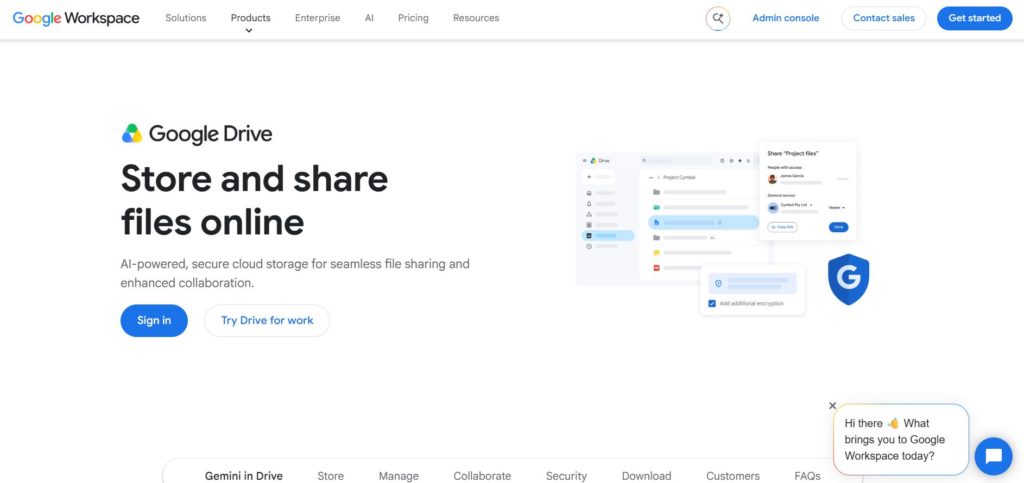
Google brings a single 15GB Google Account storage space that is shared amongst all Google Drive, Gmail and Google Photos. This seems a lot for a free account, but it can often be used up much more rapidly if using photographs and videos or a mostly large Gmail inbox.
Another advantage of Google Drive is that it is good for those who already use Google Docs, Google Sheets, Google Photos, etc. The disadvantage is that Google would not only be storing and syncing files but also something else.
Google also imposes limits on file and document sizes, so if users are attempting to handle very large files or very complex documents, they should check these limits before using Drive alone.
OneDrive: Useful for Microsoft Users
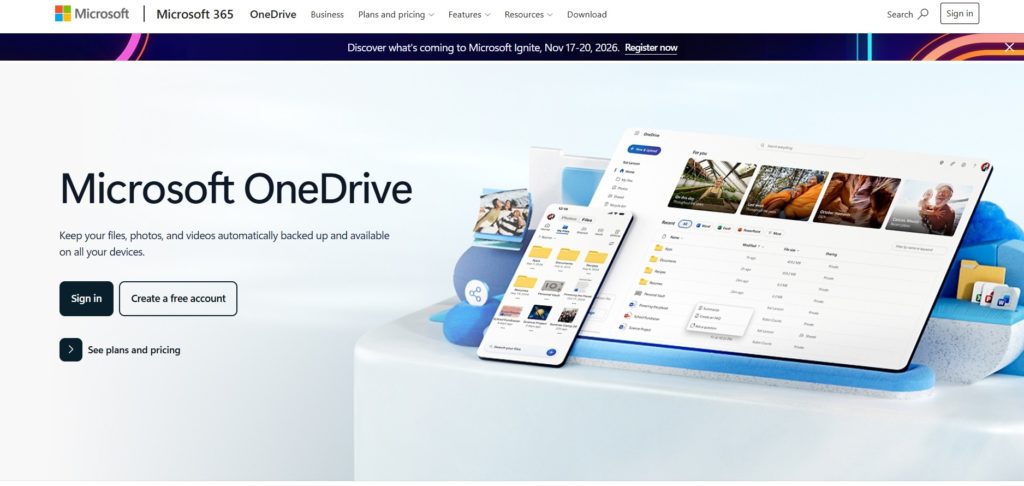
Microsoft OneDrive is free cloud storage up to 5 GB for documents and pictures. It will appeal to existing users of Microsoft products, as it is integrated into Windows and Microsoft 365.
OneDrive allows individual file sizes of up to 250 GB; for larger files, these should be uploaded via the sync application rather than through a browser. Keeping your important system backups and files synchronized properly is especially crucial if you ever run into unexpected system instability or recovery loops, where knowing how to fix Windows when it won’t boot after a point-in-time system restore can save your data from being trapped on a failing machine.
The free users’ catch is simple: if you are a photo enthusiast or have several computers to back up, 5 GB can prove to be quite restrictive very quickly.
Dropbox: Excellent Sync, Small Free Allowance
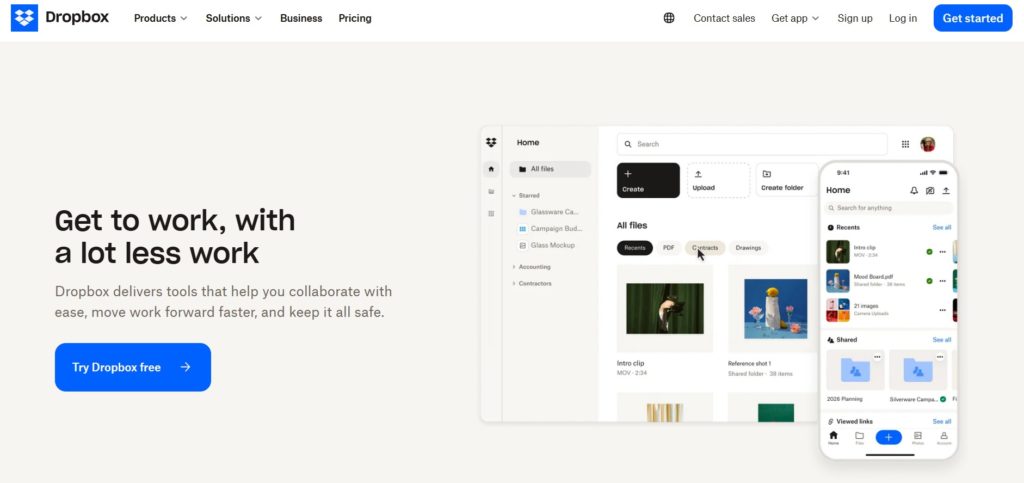
For example, even the most basic free account on Dropbox. Basic begins with a paltry 2GB of free storage. That’s well below the built-in limits of competing products like Google Drive or OneDrive, and it makes it tough to think of the free account as a true backup destination, much less a secondary one.
Its benefit arises from its simple file-syncing and sharing workflow. Users with more than the Basic’s storage limit of 2 GB place themselves at risk of not being able to sync, upload, share, move or preview files. Dropbox states that “in some over-quota situations, files will be eventually deleted after notification and a period to bring things into balance”.
That makes it important to monitor usage if you’re going to stay on the free tier.
iCloud: Convenient for Apple Devices
Apple’s iCloud gives you 5 GB of free storage, distributed between backups, iCloud Photos, iCloud Drive, and all other services. If you are a deeply engaged iPhone, iPad, or Mac user, it can be very handy, especially when managing your device ecosystem.
For Mac enthusiasts who like to push their hardware to the absolute limit for better creative workflows and heavier workloads, exploring the top software to overclock and boost performance on Mac can be a great way to optimize your machine, though you’ll want to ensure your important configurations and exported settings are safely backed up to your cloud drive.
The limitation is that 5 GB of space can fill up quickly, especially when device backups and photos are actively running. After the space is filled up, Apple notes that some iCloud services, like iCloud Mail sending and receiving, may become degraded.
Privacy-Focused Cloud Storage Alternatives
Storage isn’t the only thing worth comparing. If you’re uploading files that include personal documents, private pictures, financial information, or work files, the provider’s stance on privacy and encryption may be equally crucial, perhaps even more so than the available storage space.
But traditional service providers tend to differentiate themselves on ecosystem integration, collaboration tools, and upgrade options. Privacy-centric services tend to group themselves based on how they protect data. Cloud storage services, for instance, regard themselves as being more secure due to end-to-end encryption and privacy-first architecture rather than security playing second fiddle.
Beyond cross-border issues, privacy becomes an even greater concern further afield. Among other provisions, the General Data Protection Regulation (GDPR) for processing personal data in the European Union imposes the following principles: data minimization; data storage limitation; data accuracy; data integrity; and confidentiality.
Free Or Paid: Which One Makes Sense?
Free cloud storage is ideal for storing some documents from time to time or for copying files for transfer, as well as storing a small number of files that you want to use on different machines. And with all this, such storage can be free.
Paid tiers usually don’t make sense until you require many times more capacity, large backups, larger sets of files, or more advanced productivity and security features. But paying for additional storage doesn’t guarantee it’s the best service.
The pragmatic solution is to look at the whole package. Storage capacity, file-size limits, synchronization policy and security, privacy policy, device support, and what happens when the free space is full. The largest figure on the all-in pricing page is just a part of the equation